 Chrome Extension NEW 3.4
Turn any song or MP3
into moving lyric videos
Drop in an MP3, WAV, or Suno track with lyrics, pick a look, save. Music videos with lyrics dancing in time, YouTube Shorts, and 3D covers from a single photo. Everything runs on your own computer — your songs, lyrics and photos are never uploaded.
- ✓ Free 1080p · no watermark
- 🔒 No uploads
- 🎨 51 looks
- 💎 51 Signature stages
- Aa Great with Korean
Works with MP3, WAV, M4A & Suno · an independent product, not affiliated with Suno.
Lyricove StudioLyricovePro- 1Add to ChromeThe Lyricove icon appears in your toolbar
- 2Add song & pick a lookMP3 · Suno link · 51 one-click looks
- 3Save as MP4YouTube · Shorts · Square · 4K
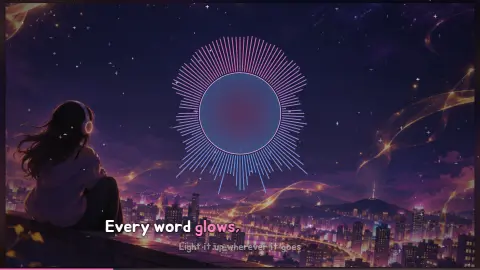
One picture + one song → all of this
One picture and one song (our own lyrics), synced word-by-word.

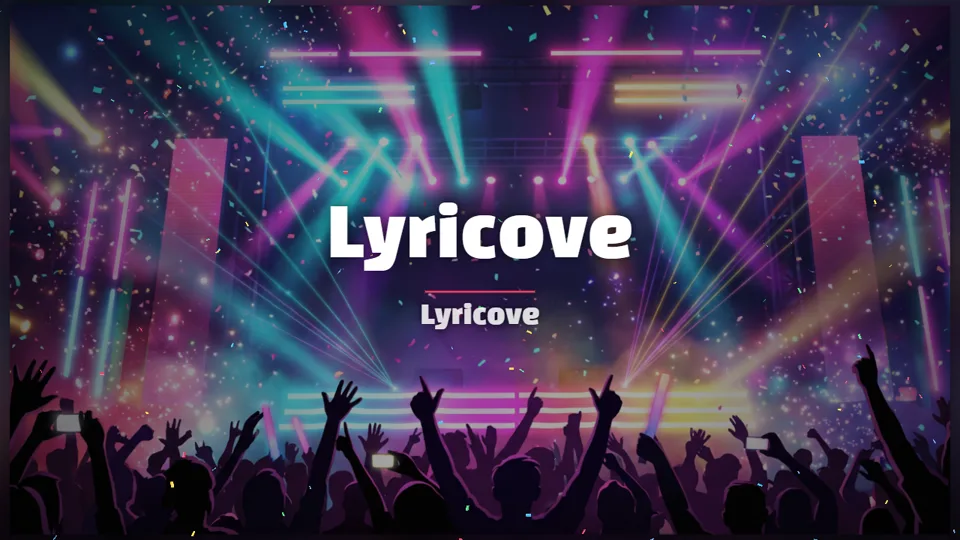

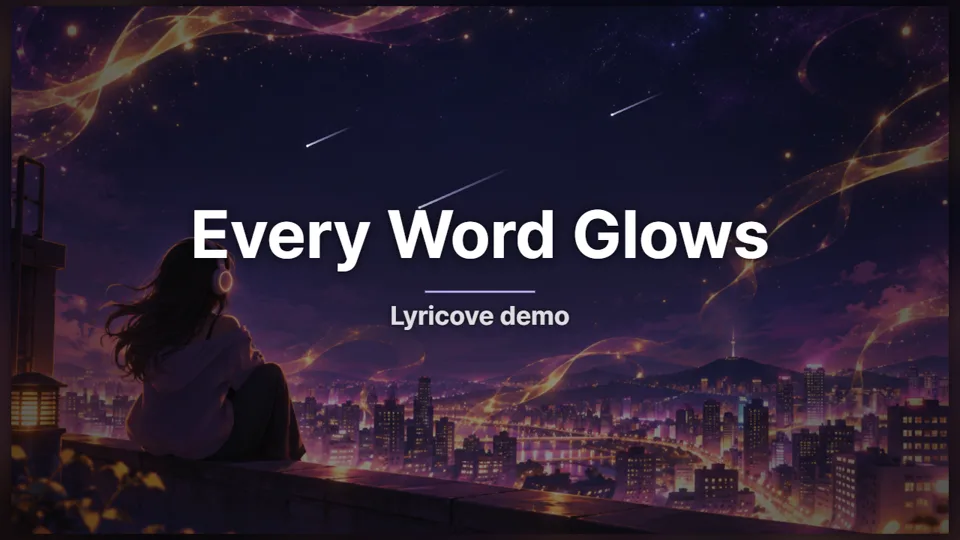

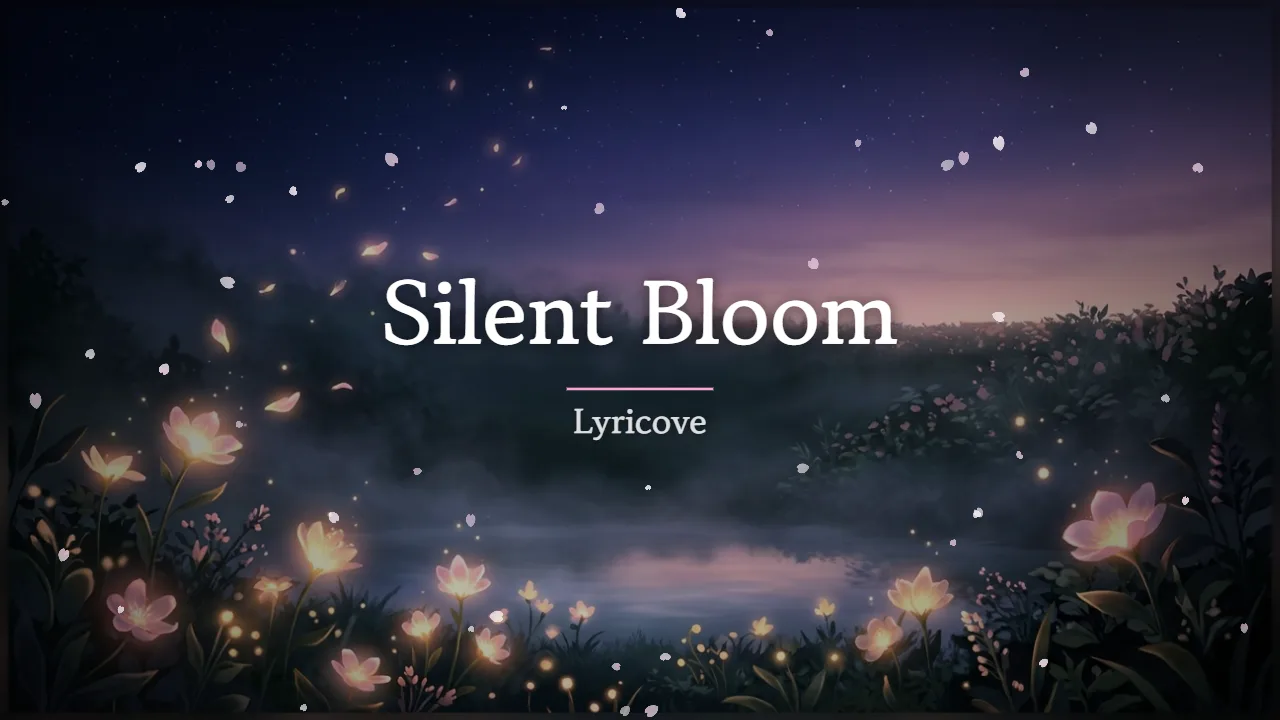
Three steps
- 1
Add song and lyrics
Drop in any audio file (MP3, WAV, M4A) and lyrics, or paste a Suno song link. Load LRC/SRT/VTT or Suno synced lyrics, or tap along and fine-tune on the waveform timeline.
- 2
Pick a look
One of 51 one-click looks sets the visualizer, colors, particles, text effect and camera move at once — or tweak each one.
- 3
Save
Choose 16:9, 9:16, square or 4K and save. The MP4 is made right on your computer.
51 looks
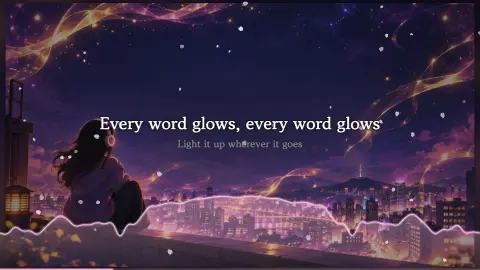
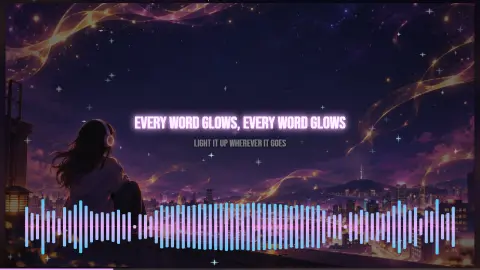
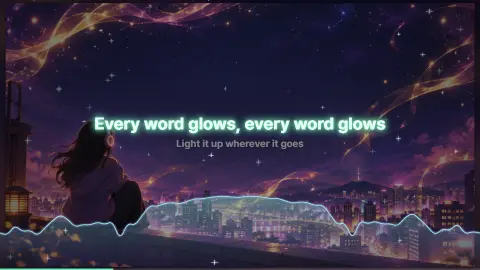
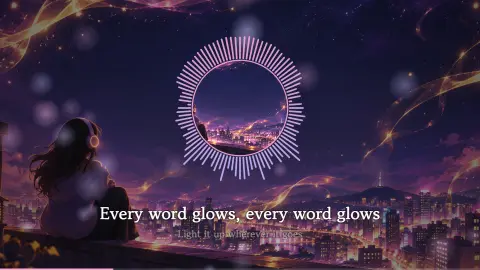
Same picture, same moment — only the look changes. 10 free, all 51 with Pro.
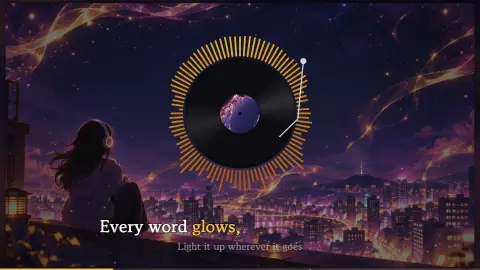
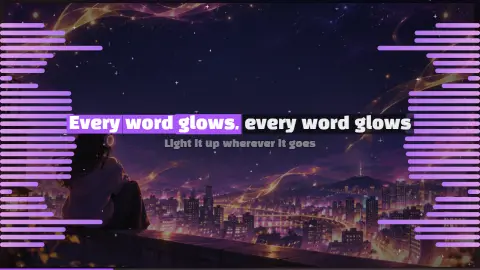
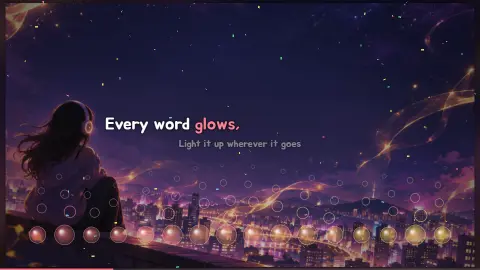
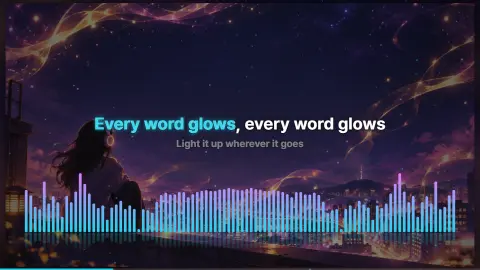
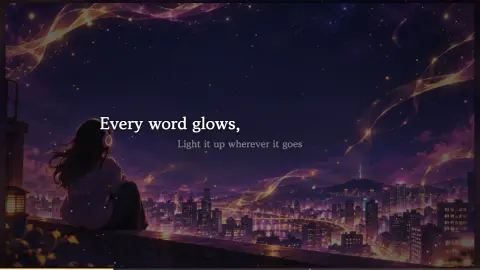
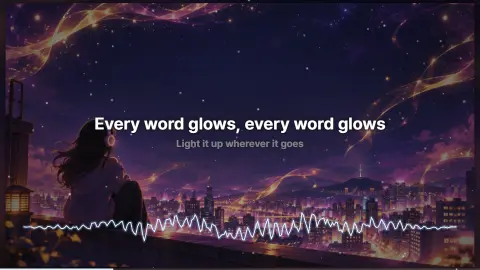
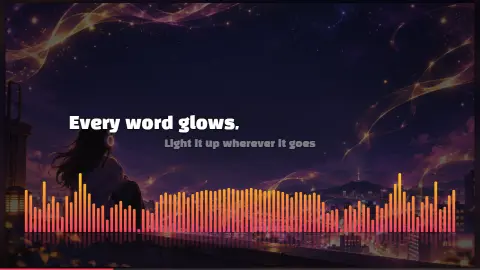
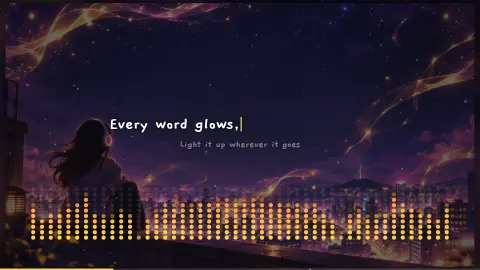
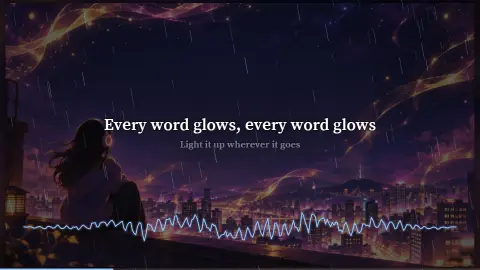
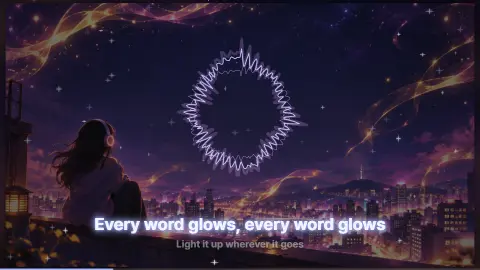
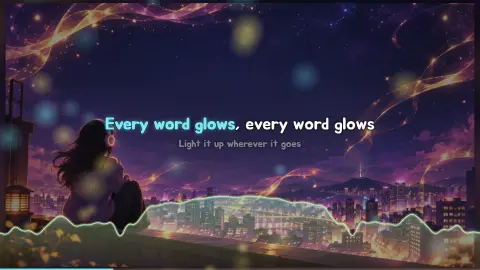
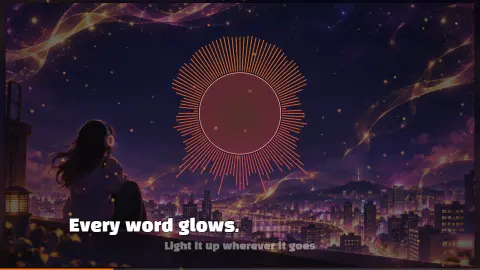
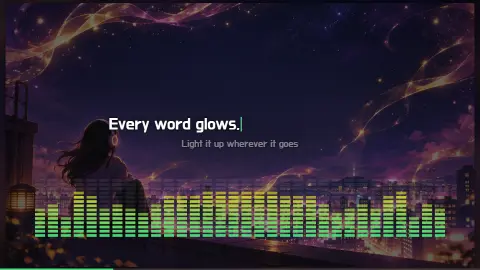
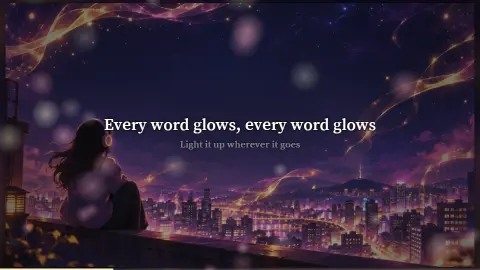
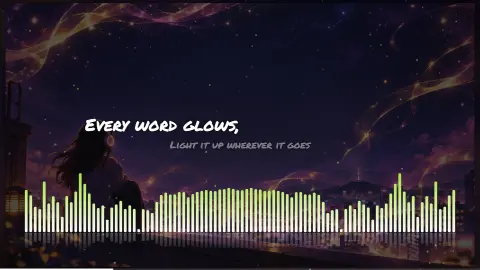
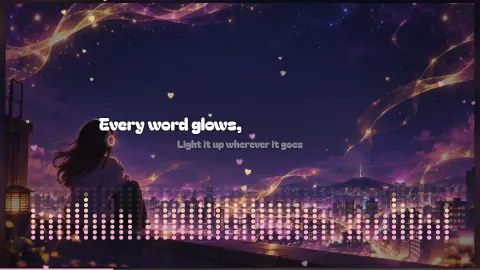
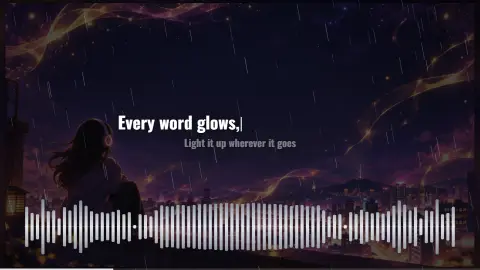
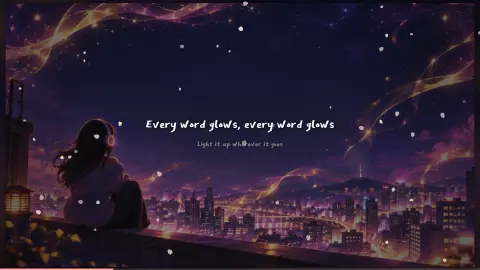
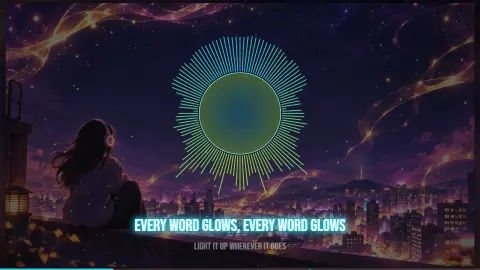
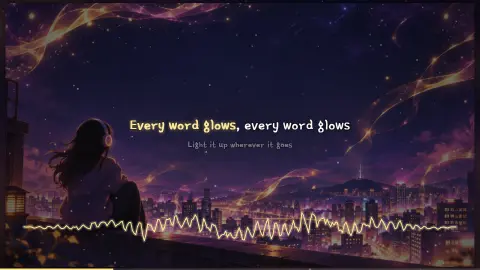
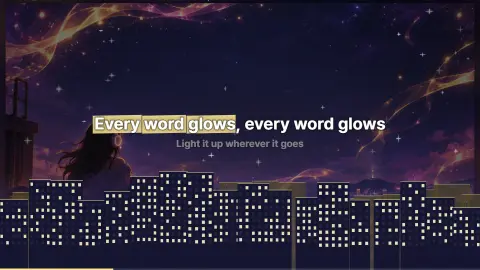
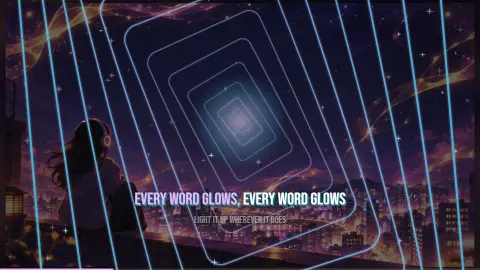
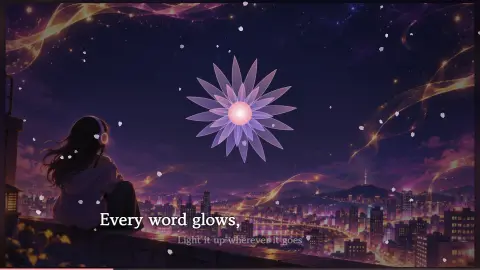
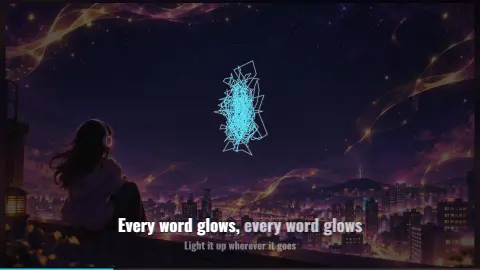
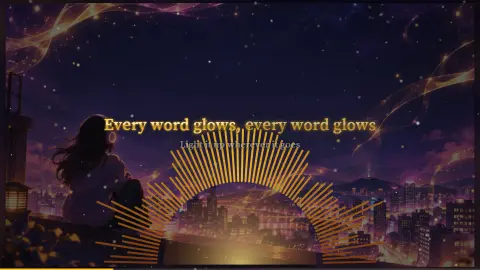
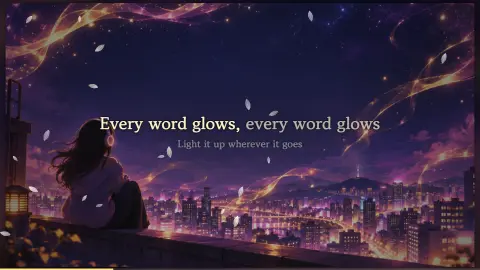
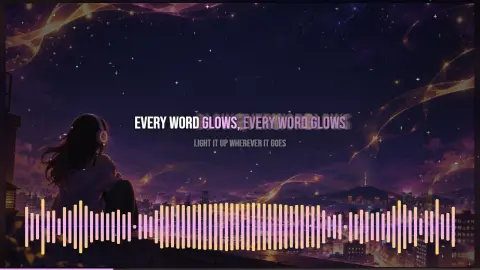
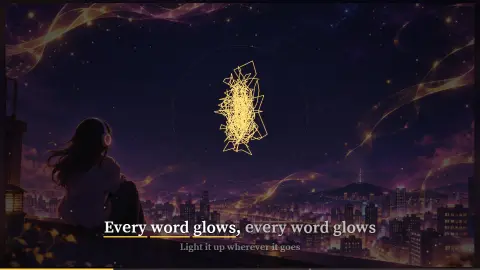
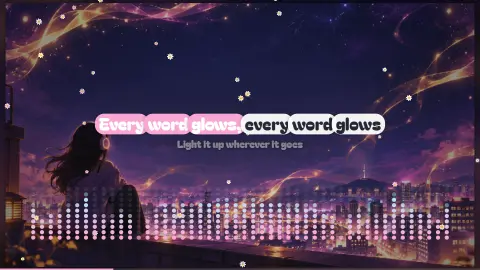
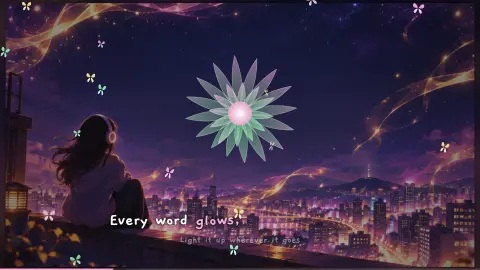
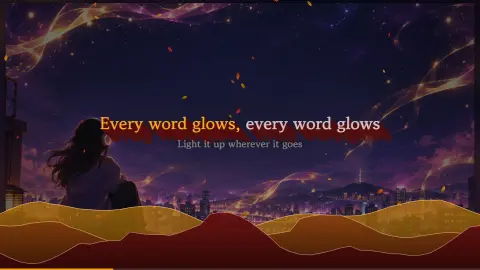
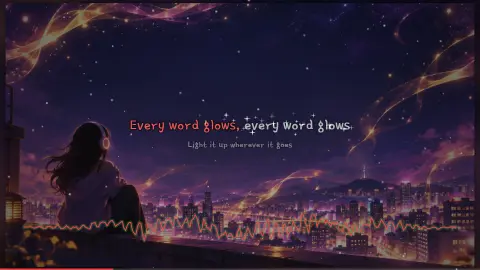
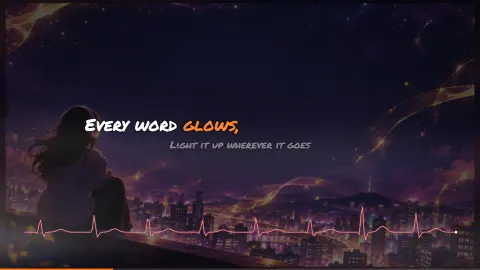
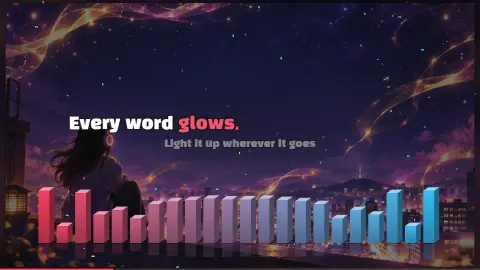
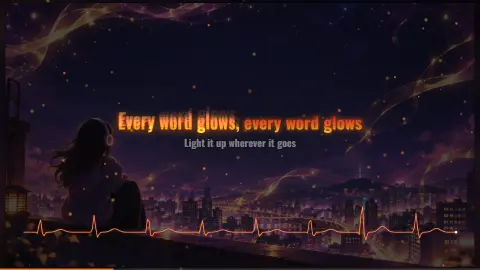
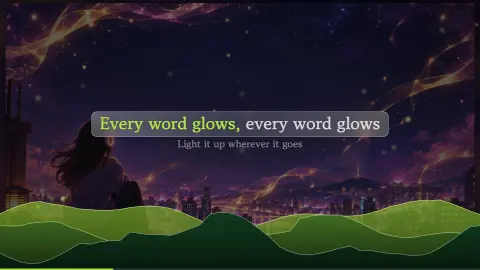
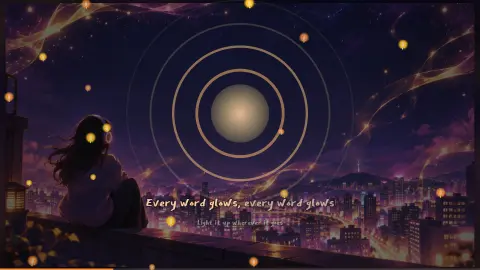
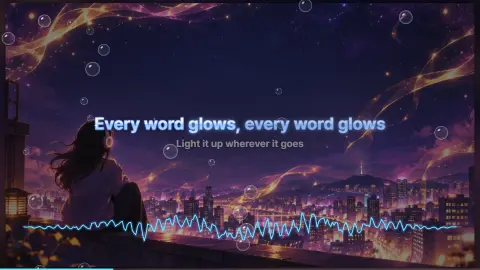
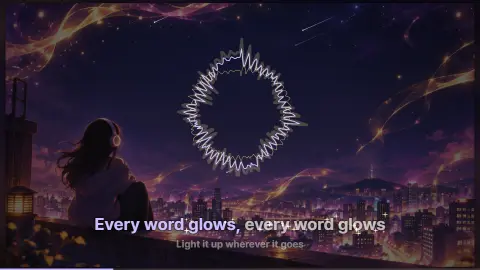
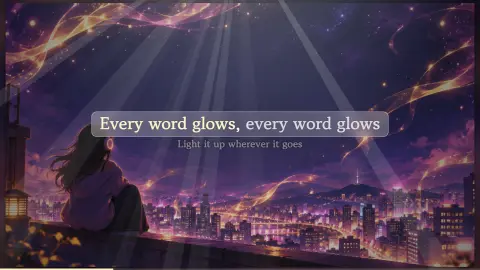
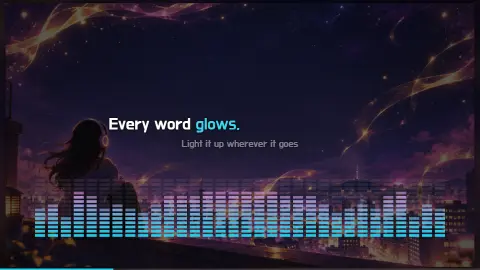
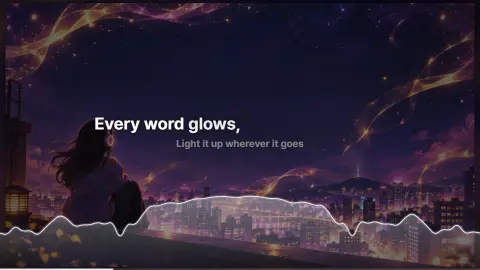
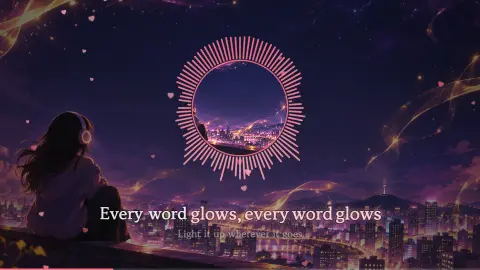
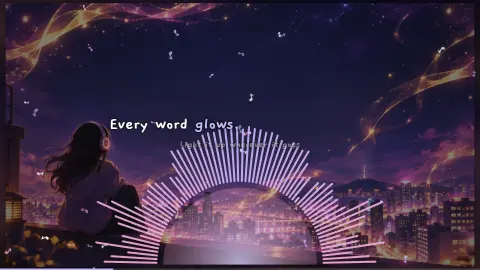
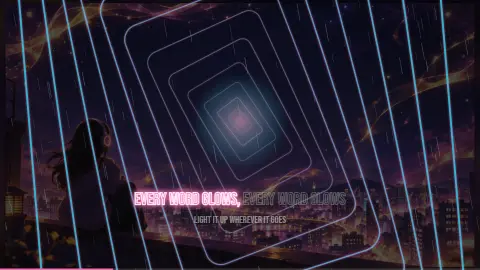
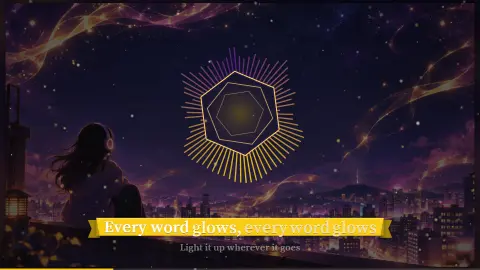
✨ 51 Signature stages · Lifetime exclusive
Light, seasons, nature, city — stages that move with the beat. Save them as videos of your own songs in the Chrome extension (Lyricove Studio), or watch them in the Lyricove Player app. All 51 unlock only with Lifetime, and new signatures keep coming to Lifetime owners.
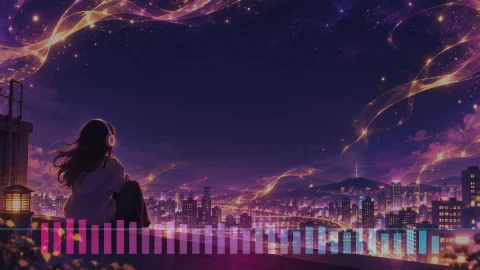
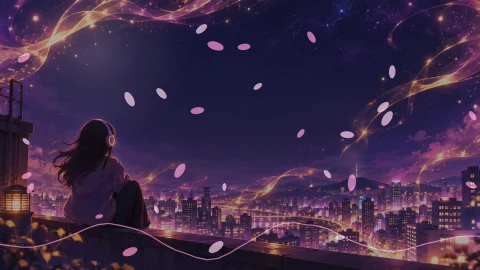
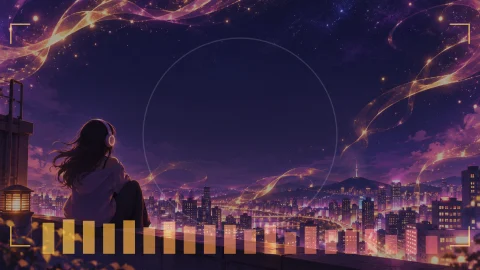
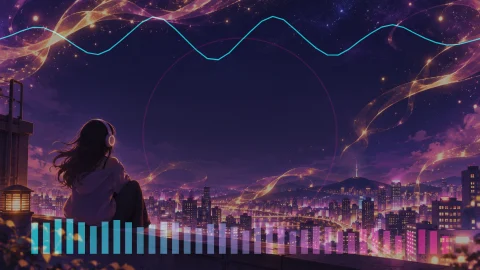
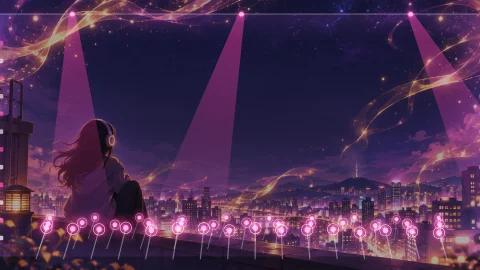
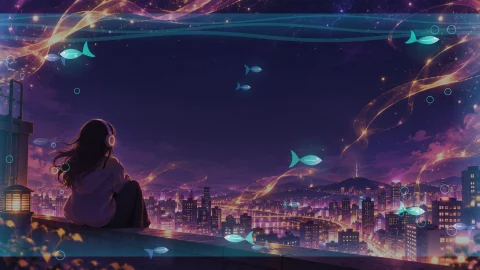
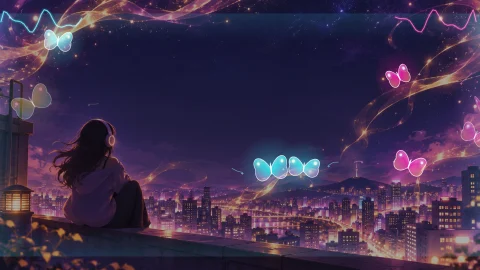
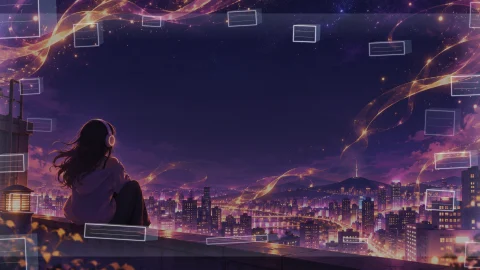
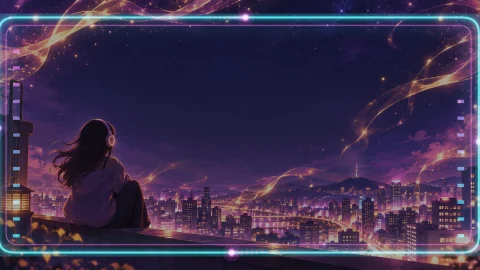
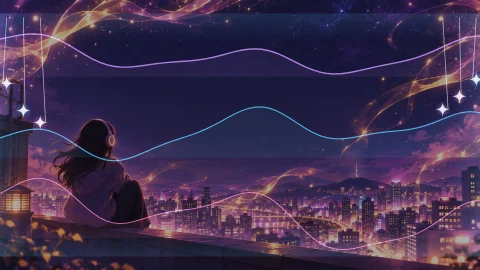
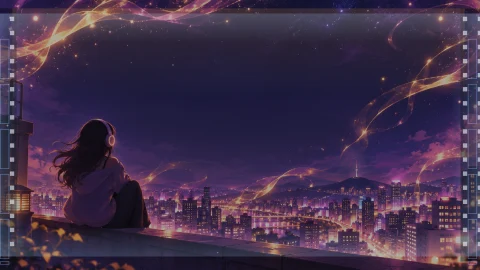
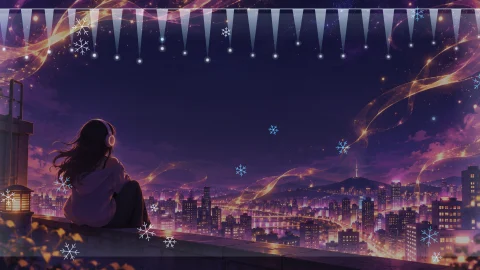
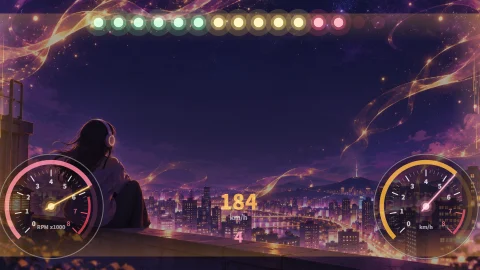
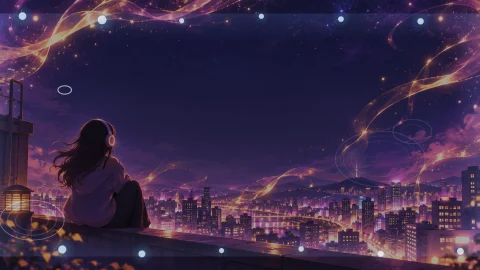


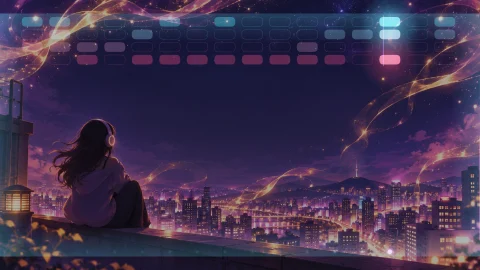
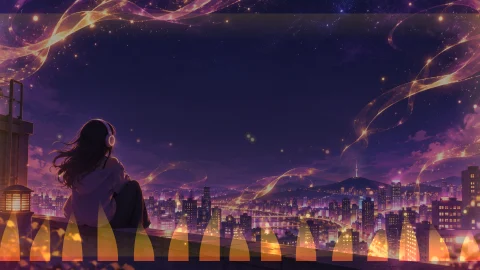
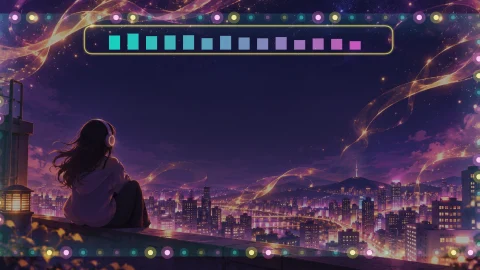
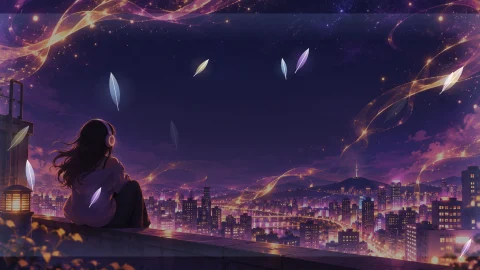
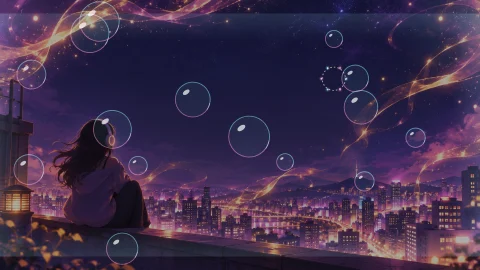
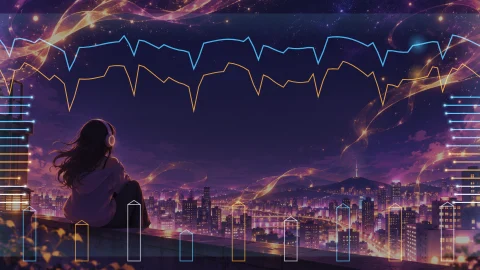
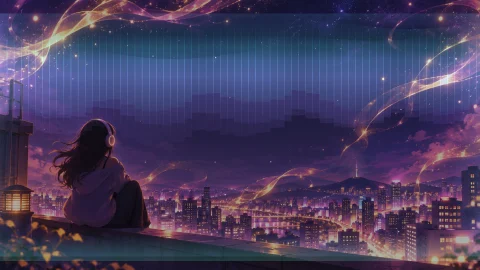

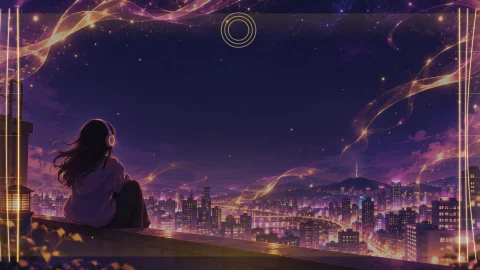
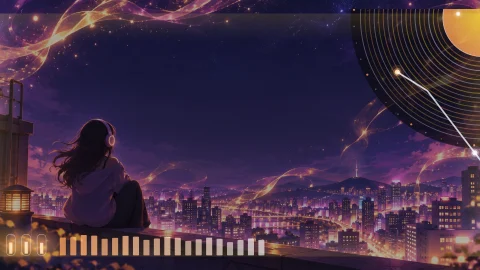
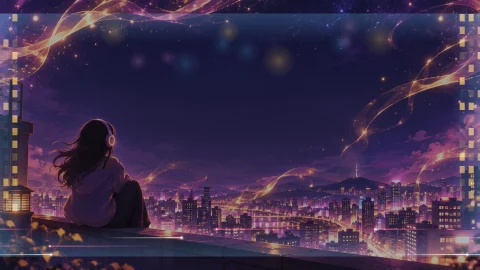
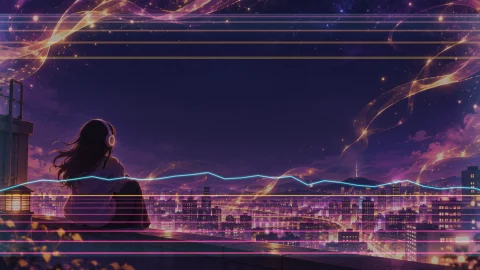
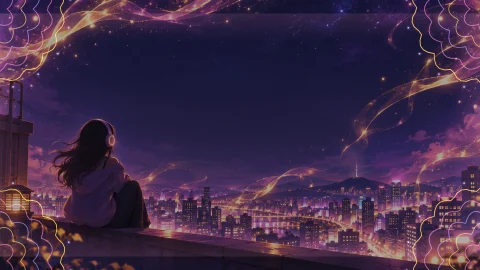
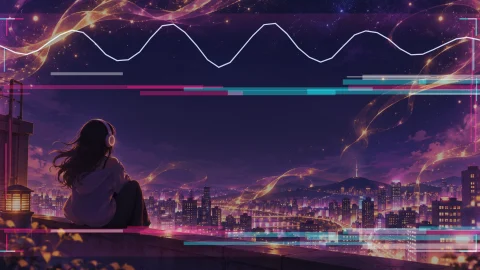

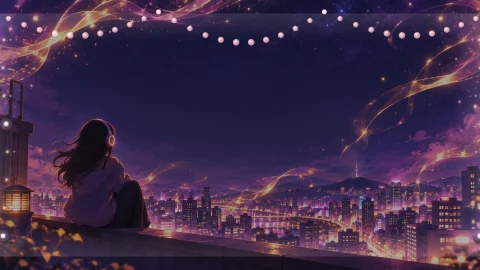
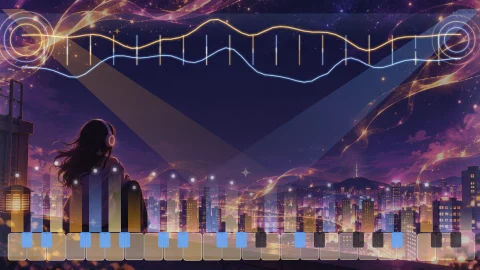
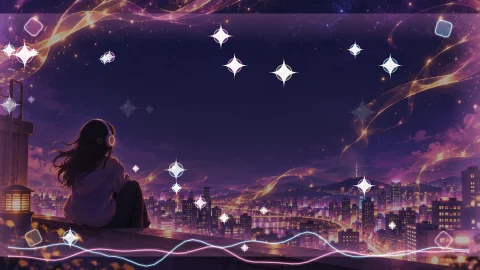
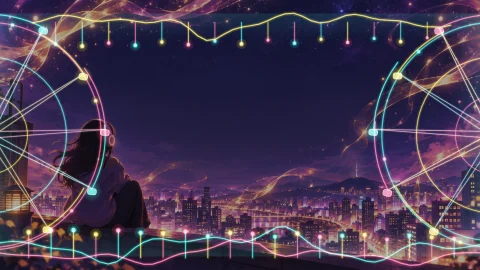
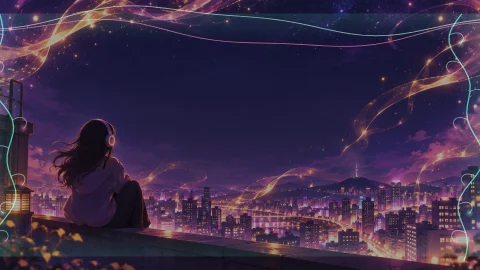
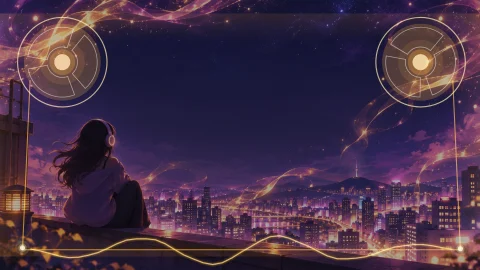
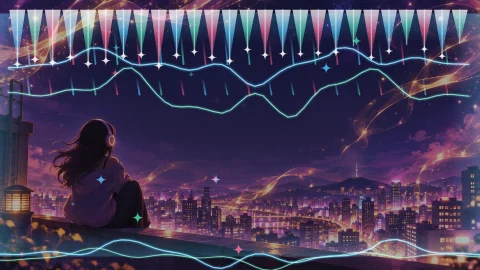
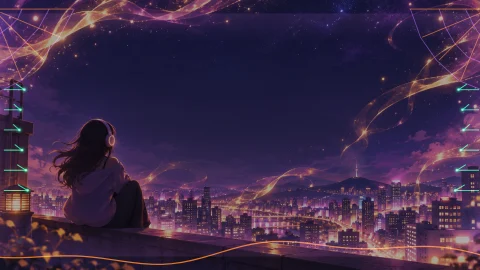
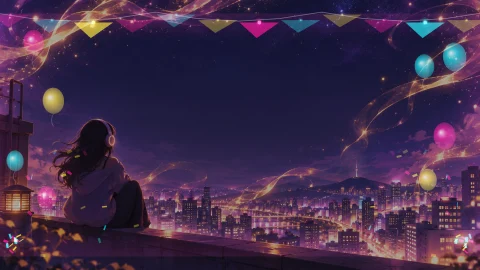
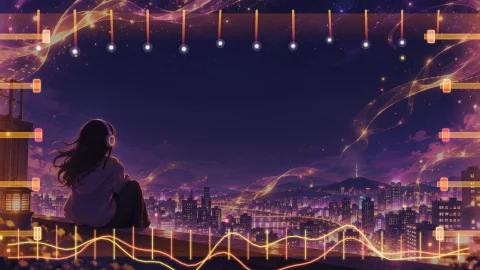
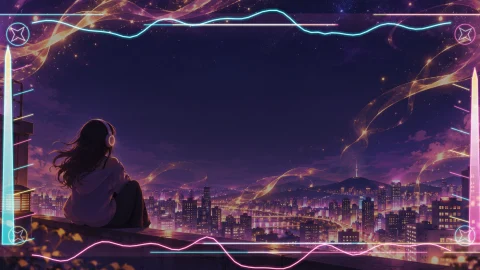
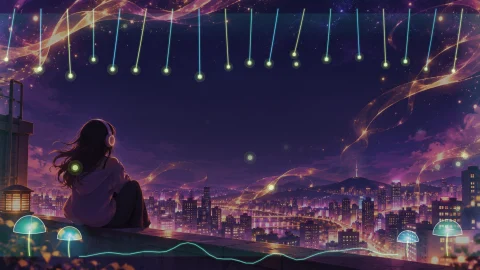

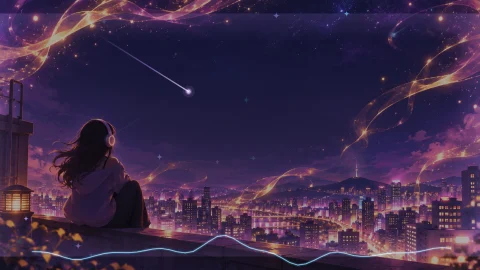
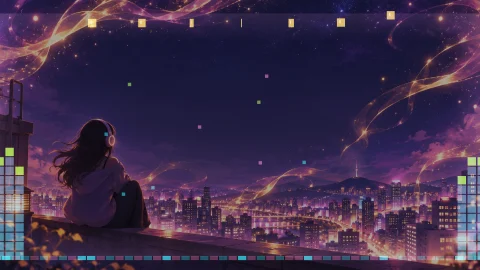
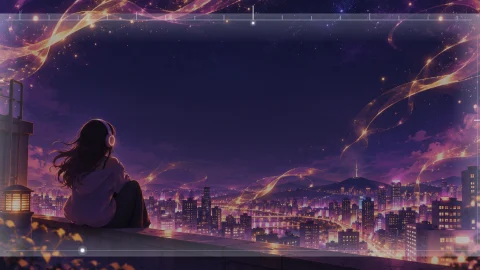
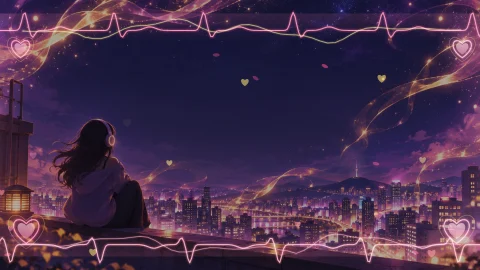
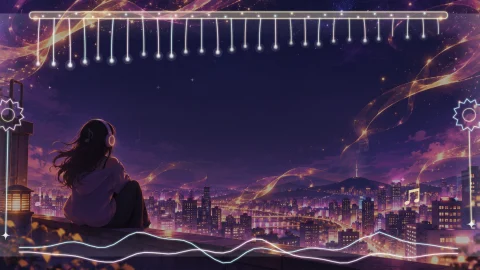
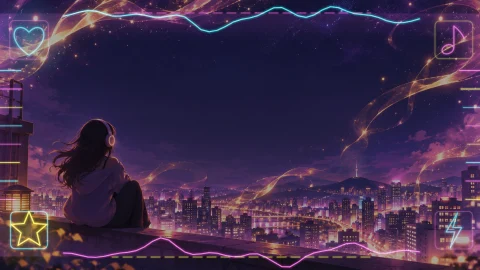
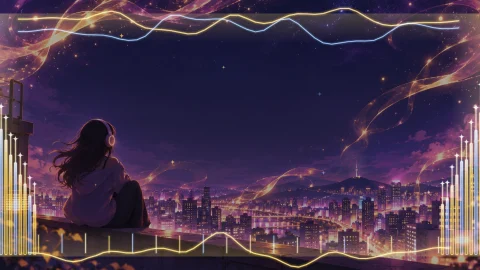
In the Chrome extension all 51 are Lifetime-only, and anyone can preview them before saving. The 4 marked "Free" are free in the Lyricove Player Android app (launching soon). Images are real frames from the engine.
💎 30 Lifetime-only effects
10 text effects · 10 particles · 10 background moves. Every one reacts to the beat — flashing, bursting, pushing in and cutting on the music. Works the same in the Chrome extension and the Lyricove Player app.
- Aurora gradient
- Chrome metal
- Electric bolt
- Hologram split
- Slam down
- Firework burst
- Prism split
- Equalizer letters
- Magazine cut
- Stardust letters
- Fireworks
- Laser show
- Neon shockwave
- Diamonds
- Aurora curtain
- Constellation
- Stage spotlights
- Petal storm
- Neon hex grid
- Light ribbons
- Beat punch
- Beat cut
- Beat bounce
- Beat swing
- Beat orbit
- Build-up & drop
- Stomp shake
- Spinning stage
- Beat glide
- Beat breathe
The same part of the song, switching effect every 2.4 s. The effect playing now is highlighted. Moves read the depth of a single photo and move it in 3D.
And there's more
🎯 Precise sync
Load LRC/SRT/VTT or Suno word timing, tap to sync, drag lines and words on the waveform, undo.
✍️ Beautiful type
16 bundled fonts including Korean, smart line breaks, keyword highlights and stickers.
🌐 Translation line
Show a translation under each lyric. The app speaks 16 languages.
🔒 Stays on your PC
Video is made in your browser. Our server only checks Pro and never sees your songs.
⚡ Fast export
Hardware encoding turns a 3-minute song into an MP4 in minutes.
🖼️ Thumbnail & description
A thumbnail PNG and YouTube description text in one click.
Why Lyricove
| General video editors | Upload-based lyric video services | Lyricove | |
|---|---|---|---|
| Timing lyrics to the song | Line by line by hand | Automatic (upload to a server) | Synced lyrics · tap · timeline |
| Uploading songs and lyrics | No | Required | No — stays on your PC |
| Lyric video looks | Build your own | A few templates | 51 one-click looks |
| Shorts cutting & safe zones | Manual | Some | Highlight finder + safe zones |
| Free 1080p export | Varies | Usually watermarked | No watermark with basic effects |
Pricing
Start free, go Pro when you want more. Payments, tax, receipts and refunds are handled by Paddle, our Merchant of Record.
| Free | Pro | ✨ Lifetime | |
|---|---|---|---|
| Export quality | 1080p | 1080p + 4K | 1080p + 4K |
| Watermark | None (basic effects) | None | None |
| One-click looks | 10 | 51 | 51 |
| Lyric effects · particles · camera moves | 8 · 7 · 6 | 41 · 22 · 28 | 41 · 22 · 28 |
| Keyword highlights · stickers · caption frames · line effects | Preview only | ✓ | ✓ |
| 3D photo cover | Preview only | ✓ | ✓ |
| Shorts highlights | 1 per song | Unlimited | Unlimited |
| Sync · timeline · thumbnail · description | ✓ | ✓ | ✓ |
| Devices | — | 3 | 3 |
| Lifetime-only effects | — | — | Text 10 · Particles 10 · Moves 10 |
| Billing | — | Monthly · yearly | Once |
| Signature stages (app) | 4 | 4 | 51 + new ones |
| Lyricove Player app Pro | — | While subscribed | For life |
| Founding member badge | — | — | ✓ |
Pro monthly
$5.99/mo
₩7,900/month in Korea · cancel anytime
Pro yearly
$44.99/yr
About 38% off monthly · ₩59,000 in Korea
Lifetime
$79
Launch offer, first 300 buyers · ₩99,000 in Korea
- 💎 30 Lifetime-only effects (text 10 · particles 10 · moves 10, all beat-reactive)
- ✨ All 51 Signature stages (Lifetime only) + every new one
- 📱 Lyricove Player app Pro for life (app launching soon)
- 🏅 “Founding 300” member badge
- 💳 Pay once, no renewals
Checkout is being set up and opens soon.
FAQ
Does it really run only on my computer?
Yes. Videos are made inside your browser and your songs, lyrics and photos never reach our server. The server only handles email sign-in and the Pro check.
How much can I do for free?
10 looks and the basic effects, saved in 1080p without a watermark. Every Pro effect can be previewed for free; you only need Pro to save it.
Is there a free trial?
No separate trial — you can preview every Pro effect in the free version instead.
How many devices?
Up to 3 per account. Swap devices from the account window in the extension.
What about refunds?
Cancel anytime and keep Pro to the end of the period. Payment errors, duplicate charges and a product that doesn't work are refunded in full; statutory withdrawal rights apply. Refund policy
Does it only work with Suno? Is it official?
No. It works with any audio file (MP3, WAV, M4A, etc.) as well as Suno songs. It's an independent product, not affiliated with Suno.
Make your song a video today
Free to install, no sign-up needed to start.
Works with MP3, WAV, M4A & Suno · an independent product, not affiliated with Suno.